Adding New Products
Here's how to add new inventory products
Please note that if this is confusing, we offer a white glove service do this for you. So contact us on WhatsApp, Line or Email anytime.
-
On the top right, press “Create Product”

-
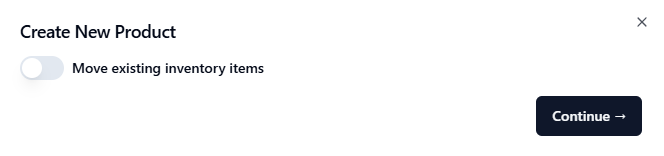
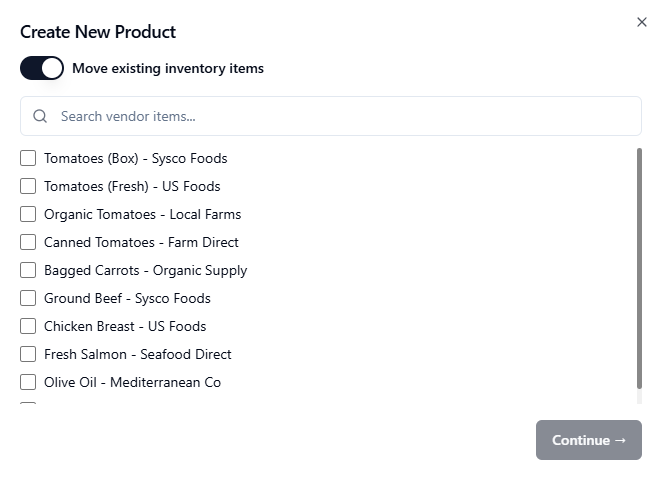
Here, you will have an option to move existing invoice items.
-
DO NOT enable this unless:
-
Sometimes we will merge 3 different soy sauce under the same “Soy Sauce”. You may want them to be under different products for recipe + count sheet purposes, hence you would use this.
-
-
Usually, this option is left disabled.
-
-
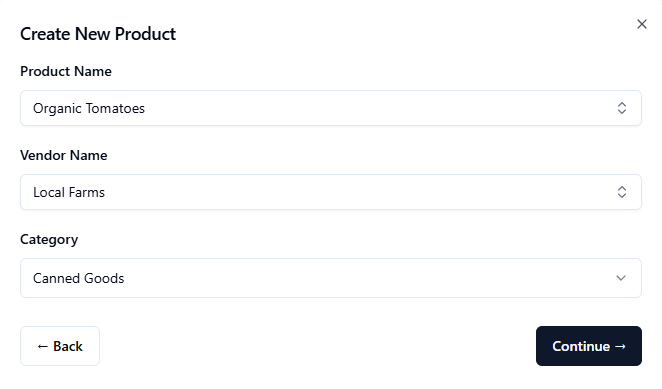
Name the product and a category for the product
-
Lastly, confirm the unit price detail. This will create a new inventory product you can use in Recipe and Count Sheet.
